

Launching Your Online Presence: A Guide to Affordable Web Hosting
Creating a thriving online presence is crucial, whether for a small business, personal blog, an e-commerce store, or a complex enterprise application. A key factor is choosing the right web hosting. A poor choice can lead to slow loading times, security vulnerabilities, and frustrating downtime, impacting your brand and bottom line. Finding the right provider from the many available can be overwhelming, especially when balancing performance and budget. How can you ensure your website stays online, loads quickly, and remains secure affordably?
This guide provides the knowledge and tools you need to select the perfect affordable web hosting solution for your needs in 2025. We'll explore the top 10 providers, evaluating their strengths and weaknesses across crucial factors.
Key Factors to Consider
We'll examine several factors that contribute to a truly effective hosting provider:
- Pricing models: We'll compare different pricing structures and help you find the best value for your budget.
- Storage capacity: We'll analyze the storage options available and help you determine how much space you actually need.
- Customer Support: We'll investigate the responsiveness and helpfulness of each provider's customer support team.
- Server Uptime Guarantees: We'll delve into uptime guarantees and discuss the importance of minimizing downtime.
From pricing and storage to customer support and uptime, we'll dissect what makes a hosting provider stand out.
Tailored Features for Different Users
We'll also look at specific features tailored to different user groups:
- WordPress Optimization for Bloggers: We'll explore hosting options specifically optimized for WordPress users.
- E-commerce Functionalities for Online Stores: We'll examine features crucial for running a successful online store.
- Scalable Solutions for Enterprise-Level Organizations: We'll discuss how to choose a hosting solution that can grow with your business.
By understanding these key considerations and using the insights provided, you can make an informed decision that sets your online venture up for success.
1. Beta Host Limited
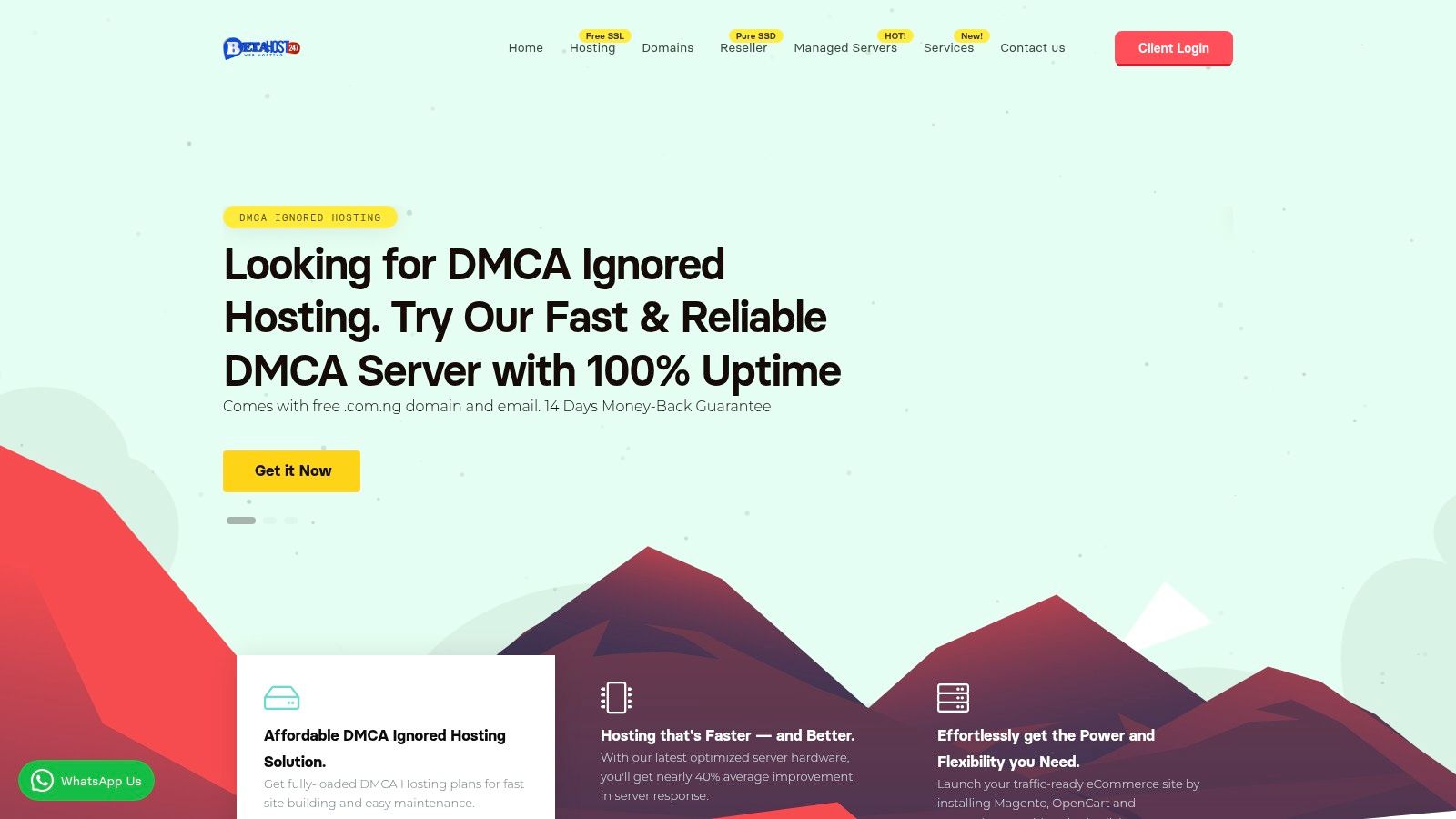
Beta Host 247 offers a compelling blend of performance, security, and features. It's suitable for a wide range of users, from individual bloggers to large enterprises. Their focus on speed and reliability makes them a strong contender in the affordable web hosting market.
Who is Beta Host 247 For?
This provider caters to a diverse user base. This includes:
WordPress Bloggers: Bloggers seeking fast loading times to improve SEO and user experience will appreciate the one-click WordPress installs and optimized hosting environments. These features simplify setup and maintenance.
Small Business Owners: If you're a small business owner looking for a reliable online presence with robust security, Beta Host 247 is worth considering. The user-friendly cPanel control panel makes website management straightforward.
eCommerce Entrepreneurs: For eCommerce entrepreneurs, high performance and scalability are essential for handling traffic spikes and growth. The advanced infrastructure and various hosting options allow for scaling resources as needed.
Web Developers & IT Professionals: Developers and IT professionals will value the control and flexibility offered by VPS and dedicated server options. cPanel streamlines server management.
Enterprise-Level Organizations: Beta Host 247 also offers enterprise-grade solutions with 24/7 expert support to meet the high availability, security, and performance demands of mission-critical applications.
Key Features and Benefits
Performance: Beta Host 247 uses Pure SSD storage and LiteSpeed technology. This results in fast website speeds, improving user experience and search engine rankings.
Security: Your website is protected by military-grade security protocols and DDoS protection, ensuring data integrity and uptime.
Scalability: Choose from a range of hosting solutions – shared, WordPress, VPS, dedicated, and reseller – to match your current needs. You can then easily scale as your website grows.
User-Friendly Tools: Manage your website with the intuitive cPanel interface. One-click app installs simplify setup. Free domain registration and seamless website migration further enhance the user experience.
Support: 24/7 expert support is available to help with any technical issues. A 14-day money-back guarantee provides a risk-free trial period.
Pros and Cons
Pros:
- Fast performance with Pure SSD and LiteSpeed technology
- Robust security with military-grade protocols and DDoS protection
- Wide range of hosting solutions for various users
- User-friendly features like cPanel, one-click installs, and free domain registration
- 24/7 expert support and a 14-day money-back guarantee
Cons:
- Entry-level plans may be pricey for beginners with limited budgets
- Advanced customization may require extra expertise or cost
(Pricing and technical requirements can typically be found on the provider's website.)
Implementation/Setup Tips
Choose the Right Hosting Plan: Assess your needs and select a plan with sufficient resources and features.
Utilize One-Click Installers: Simplify setup with one-click installers for popular applications like WordPress.
Familiarize Yourself with cPanel: Explore cPanel's features and options to manage your website effectively.
Contact Support if Needed: Don't hesitate to contact the 24/7 support team for assistance.
Website: https://betahost247.com
2. Hostinger
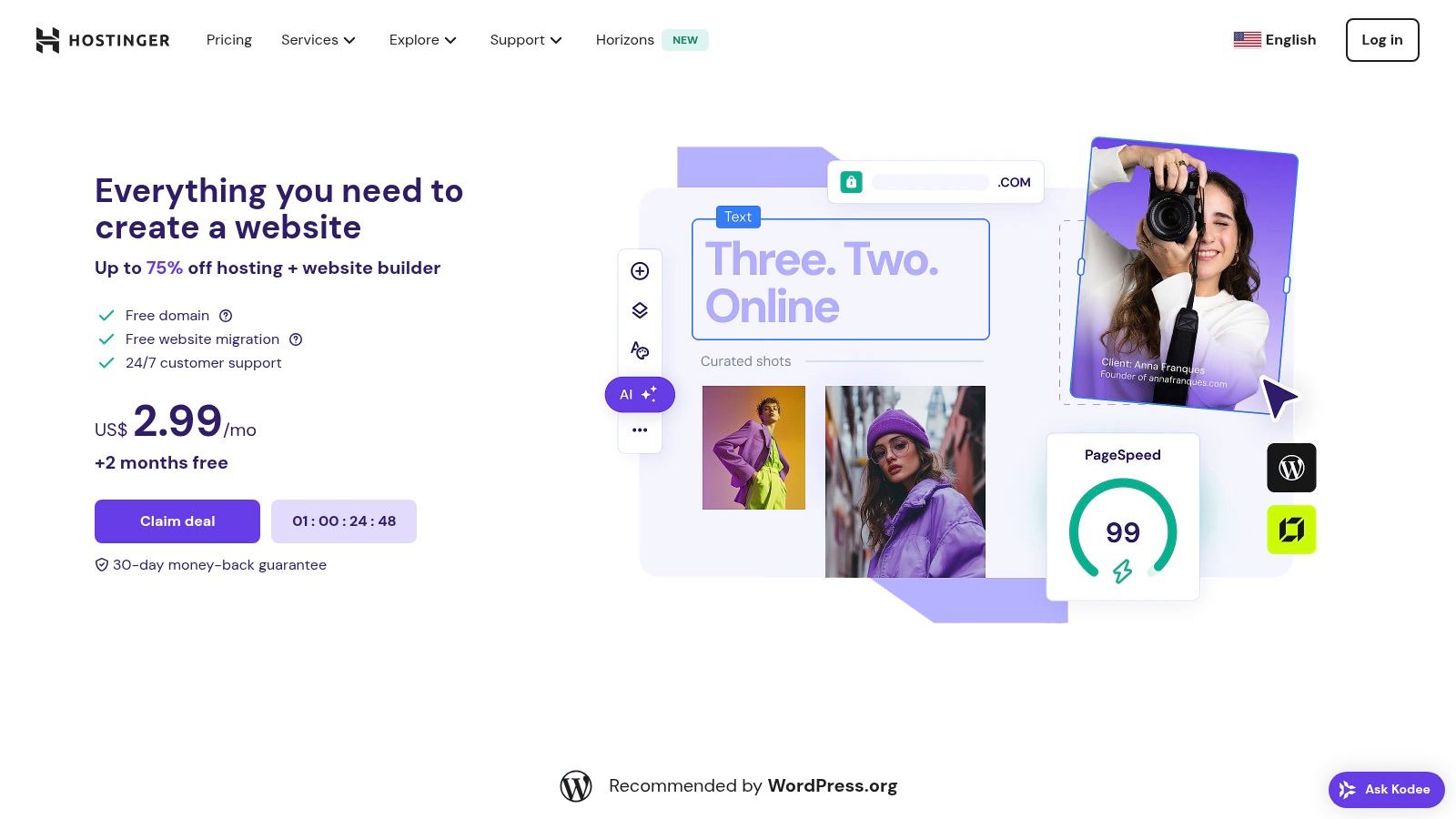
Hostinger is a strong contender in the web hosting arena, offering a compelling blend of competitive pricing and robust performance. This makes it particularly attractive for budget-conscious users. Its tiered pricing structure caters to a diverse range of users, from individual bloggers just starting out, to small businesses scaling their online presence, and even developers managing complex projects.
Hostinger has earned a reputation for its exceptionally low-cost shared hosting plans. Impressively, this affordability doesn't come at the expense of performance. The entry-level "Single Shared Hosting" plan starts at an enticing $1.99/month. Keep in mind, this promotional price requires a 48-month commitment. This plan includes a free domain for the first year, free SSL, and 100GB bandwidth, making it an attractive option for those new to web hosting. For more resource-intensive projects, Hostinger offers progressively more powerful plans with increased resources and advanced features.
The hPanel: A User-Friendly Control Panel
One key feature that sets Hostinger apart is its custom-built hPanel. This control panel is designed with user-friendliness in mind, simplifying website management even for beginners. Despite its intuitive design, hPanel doesn't skimp on functionality. It offers a comprehensive suite of tools, including file management, database administration, and email configuration, rivaling the capabilities of the industry-standard cPanel. Experienced users will appreciate features like Git integration for smoother development workflows.
Hostinger's performance is further enhanced by its use of LiteSpeed Web Server and LiteSpeed Cache. These technologies contribute significantly to faster loading times and improved website responsiveness, both of which are critical for a positive user experience and good SEO. The inclusion of weekly backups provides an added layer of security and peace of mind.
Features:
- Custom-built hPanel control panel
- LiteSpeed Web Server with LiteSpeed Cache
- Free domain with most plans (first year)
- Weekly backups
- Git integration
Pros:
- Extremely affordable pricing
- Good performance-to-price ratio
- User-friendly interface
- 24/7 live chat support
Cons:
- Cheapest plan requires a 48-month commitment for the advertised price
- Base plan limits you to one website
- Higher renewal rates after the promotional period
Implementation/Setup Tips:
Getting started with Hostinger is a breeze. Simply select your desired plan, register a new domain (or transfer an existing one), and follow the guided setup process. The hPanel simplifies the installation of popular content management systems (CMS) like WordPress with just a few clicks, allowing you to quickly launch your website.
Comparison with Similar Tools:
While competitors like Namecheap and Bluehost offer similar introductory pricing, Hostinger often delivers a more comprehensive set of features for the price, especially when it comes to performance enhancements. However, it's important to factor in the long-term costs due to Hostinger's higher renewal rates.
Website: https://www.hostinger.com/
Hostinger presents an excellent option for those seeking affordable web hosting without compromising performance. Be aware of the long-term pricing and the limitations of the entry-level plan. If you're launching a simple blog or a small business website and are comfortable with a longer-term commitment, Hostinger offers exceptional value. For larger projects or those requiring more flexibility, exploring Hostinger's higher-tier plans or alternative providers might be a more suitable approach.
3. Bluehost
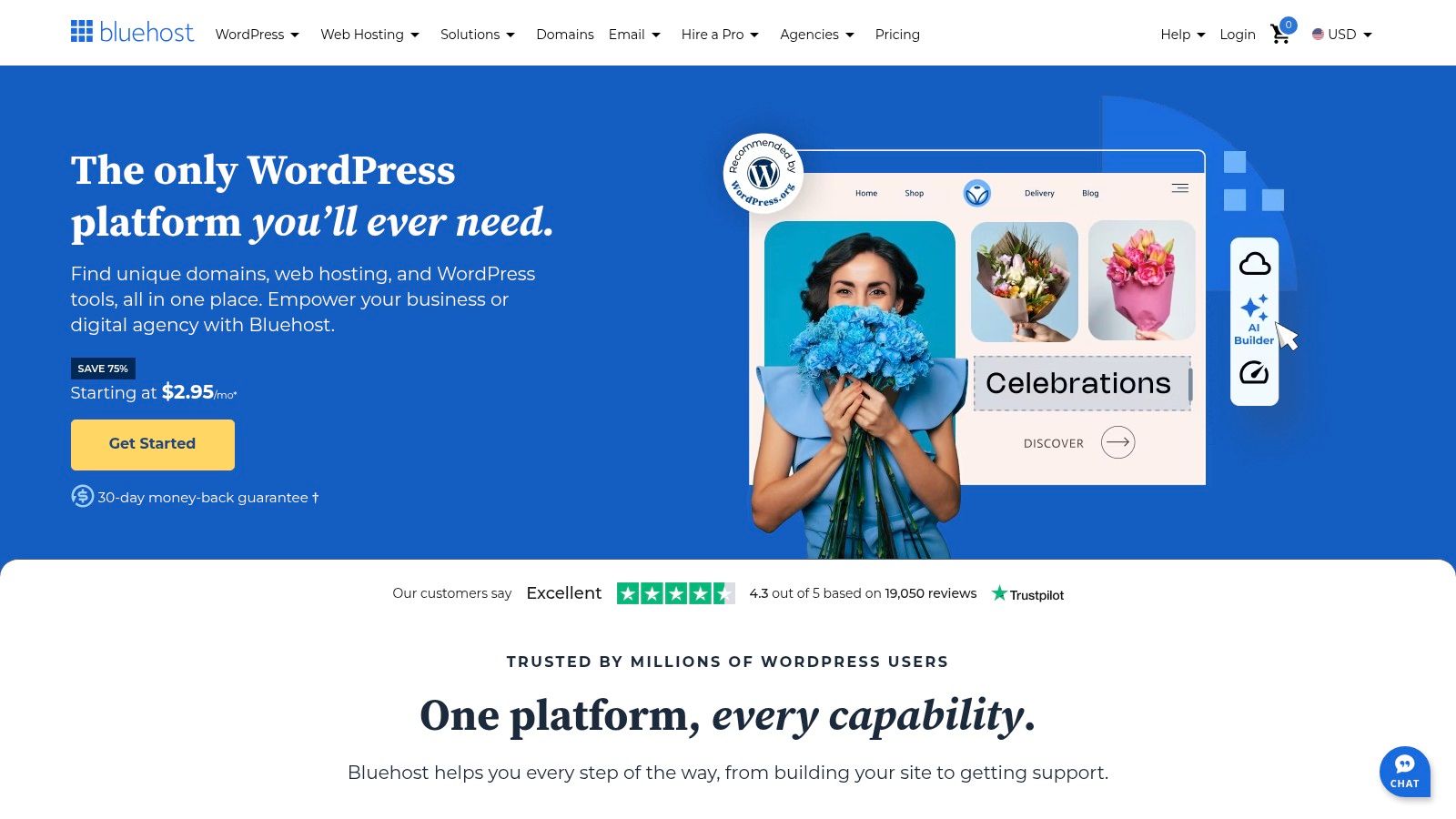
Bluehost is a major player in the affordable web hosting market. Its official recommendation by WordPress.org alongside its competitive pricing and beginner-friendly interface make it a top contender. This combination makes Bluehost particularly attractive for individuals and small businesses establishing an online presence, especially those using WordPress.
The Basic shared hosting plan starts at an enticing promotional price of $2.95/month. This introductory offer includes a free domain name for the first year, a free SSL certificate for secure connections, and 50GB of storage, which is plenty for a new website. Beyond these basics, Bluehost provides the easy-to-use cPanel interface. This control panel simplifies website administration, from one-click WordPress installation to managing emails and databases.
WordPress Integration
For WordPress users, Bluehost offers seamless integration, simplifying both setup and ongoing management. Automatic WordPress installation streamlines the initial setup, allowing you to quickly begin building your site. For a more in-depth look at WordPress-specific hosting, check out Our guide on WordPress Hosting.
Scalability for Growing Businesses
Bluehost isn't just for individual bloggers; its scalability caters to growing businesses as well. As your needs change, you can easily upgrade to higher-tier plans with more resources and features. This adaptability ensures your website can handle increased traffic and evolving functionality without requiring a complete hosting migration.
Features:
- Officially recommended by WordPress.org
- Free domain name for the first year
- User-friendly cPanel interface
- Free SSL certificate
- Automatic WordPress installation
Pros:
- Reliable uptime (99.9% guarantee) minimizes disruptions.
- Excellent WordPress integration simplifies website management.
- 24/7 customer support provides assistance when needed.
- Easy-to-use interface, perfect for beginners.
Cons:
- Higher renewal rates after the initial term require budgeting considerations.
- Upsells during checkout can feel a bit pushy.
- Backups are not included in the basic plan, requiring separate arrangements or upgrades.
Website: https://www.bluehost.com/
Bluehost offers a compelling balance of affordability, features, and ease of use. While the higher renewal rates and upsells are worth noting, the overall package makes Bluehost a solid choice, particularly for WordPress users. Its robust infrastructure, combined with the user-friendly interface and official WordPress endorsement, provides a strong foundation for building your online presence.
4. DreamHost
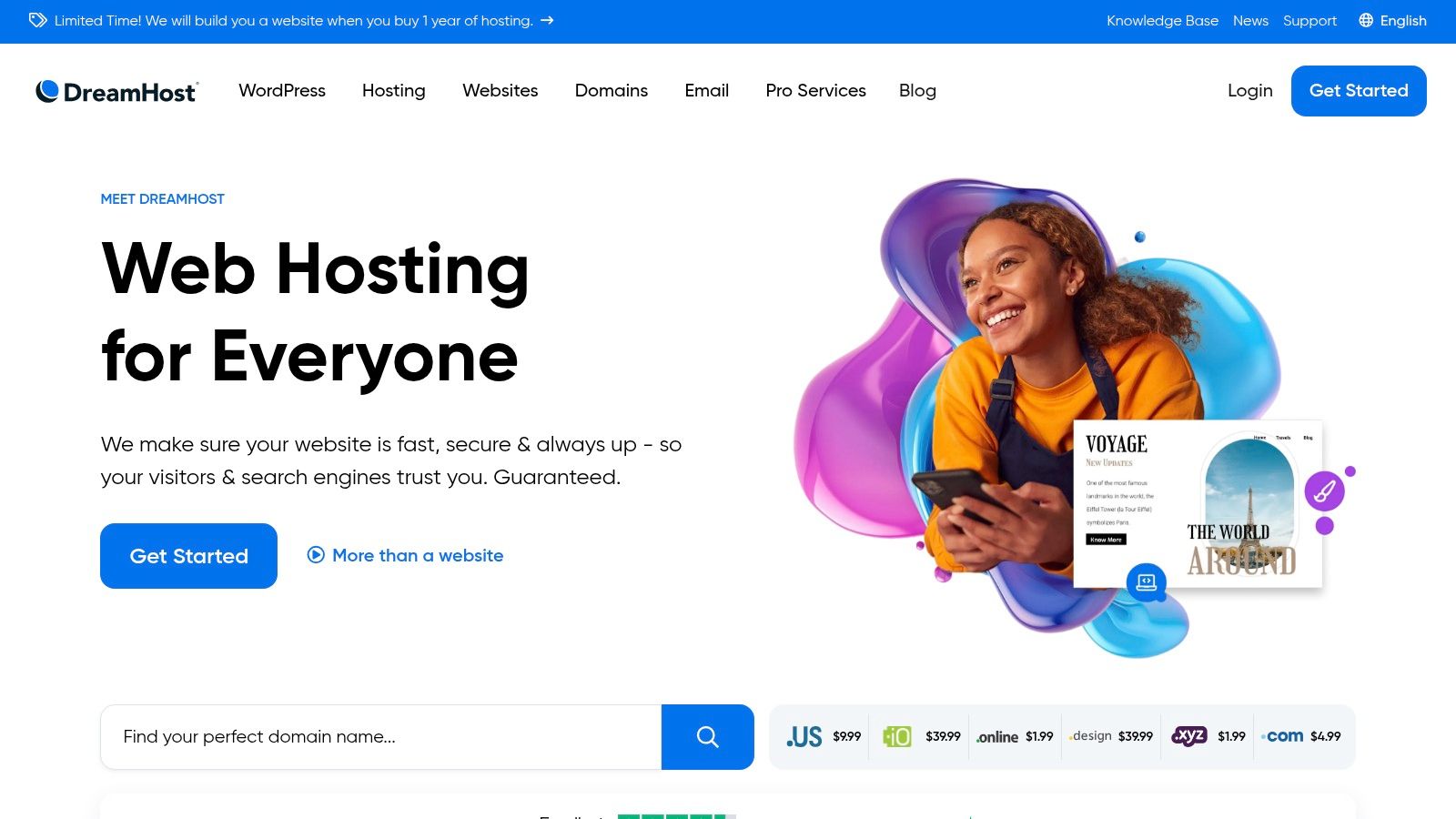
DreamHost stands out for its balance of affordability, flexibility, and a strong commitment to privacy. Unlike other budget-friendly hosting providers that often require lengthy contracts, DreamHost offers true month-to-month billing. This gives users who are hesitant about long-term commitments greater control over their hosting expenses.
The Shared Starter plan is particularly appealing for budget-conscious users. Starting at $2.95/month with a three-year contract or $7.99/month without a contract, it includes a free domain, unlimited traffic, and a 97-day money-back guarantee. This extended guarantee gives you plenty of time to test their services thoroughly.
Key Features and Benefits
Flexible Billing: Choose a three-year term for cost savings or opt for month-to-month billing. This is a significant advantage over competitors that primarily offer annual contracts. This flexibility is especially useful for startups, small businesses, and developers working on short-term projects.
Free Domain and Privacy: DreamHost includes a free domain name and free domain privacy protection with all its plans. This shields your personal information from public WHOIS directories, a feature often an added cost with other providers.
Unlimited Traffic and Storage: The Shared Starter plan offers unlimited traffic and storage. This makes it a good option for websites expecting growth in visitor numbers or needing substantial storage space for media-rich content.
Carbon-Neutral Hosting: DreamHost is committed to carbon-neutral hosting, a plus for environmentally conscious users.
Free WordPress Migrations: Easily move your existing WordPress website to DreamHost using their free migration tools. This simplifies the setup process for WordPress users.
Pros
- Month-to-month billing available
- Free WordPress migrations
- Strong privacy focus with free domain privacy
- No unexpected price increases after the initial term
Cons
- The custom control panel may require a learning curve for those accustomed to cPanel or Plesk. While functional, it takes some getting used to.
- Live chat support is not available 24/7. This could be an issue for users who need immediate assistance outside of support hours.
- Email hosting requires an additional cost on the basic Shared Starter plan. While this allows for cost savings if email is not needed, it does add to the expense for businesses requiring email services.
Technical Requirements & Implementation Tips
DreamHost employs a custom-built control panel. While it provides all the necessary features for website management, migrating from cPanel or Plesk may require a brief adjustment period. DreamHost offers extensive documentation and tutorials to help with the transition. The one-click WordPress installation and free migration tools make setup simple for WordPress users.
Comparison
Compared to other budget hosting providers like HostGator or Bluehost, DreamHost offers a stronger focus on privacy and more flexibility with its month-to-month billing. While HostGator and Bluehost may offer slightly lower introductory prices for longer-term contracts, they lack the no-contract flexibility that sets DreamHost apart.
Website: https://www.dreamhost.com/
DreamHost is a good option for users who value flexible billing, robust privacy features, and environmentally conscious hosting. While the custom control panel and limited 24/7 support might be minor drawbacks, the overall package provides excellent value, especially for users seeking freedom from long-term contracts.
5. SiteGround
SiteGround stands out due to its combination of high-quality hosting features and a competitive introductory price. The starting price of $3.99/month (promotional price for the StartUp plan) offers great value, especially for those who value performance and support. SiteGround serves a broad range of users, from small business owners building their first website to developers working on intricate projects.
This versatility makes SiteGround a solid choice for various users. Consider WordPress bloggers who need fast loading speeds to keep readers engaged, eCommerce business owners who can’t tolerate downtime, or even larger companies looking for robust hosting. Their official recommendation by WordPress underscores their dedication to the platform. If you're creating a WordPress site, SiteGround simplifies the process with automated updates and optimized security settings.
SiteGround's performance is a major advantage. They use server-level caching with their SuperCacher technology, include a free integration with the Cloudflare CDN, and implement custom speed optimization solutions for fast loading times. This results in a better user experience, improved SEO rankings, and potentially higher conversion rates.
Developer-Focused Features
For developers, SiteGround provides SSH access, staging environments, and Git integration for more streamlined workflows. They also handle daily automated backups to protect your data. Free SSL certificates and email accounts are bundled into their plans.
You might be interested in: Our guide on Cloud Hosting
Features:
- Server-level caching with SuperCacher
- Free Cloudflare CDN integration
- Daily automatic backups
- Free site migration
- WordPress-specific security and optimization
Pros:
- Excellent performance and speed
- Exceptional customer support
- Strong security features
- Developer-friendly tools
Cons:
- Higher renewal prices after the initial promotional period
- Limited storage on entry-level plans
- More expensive than some competitors (long-term)
While renewal costs are higher, the performance, features, and support often justify the expense, especially for businesses that rely heavily on their website. If you anticipate needing a lot of storage, explore SiteGround's higher-tier plans or carefully weigh your alternatives. For many, particularly those just starting, SiteGround offers a valuable balance of price, performance, and features.
6. A2 Hosting
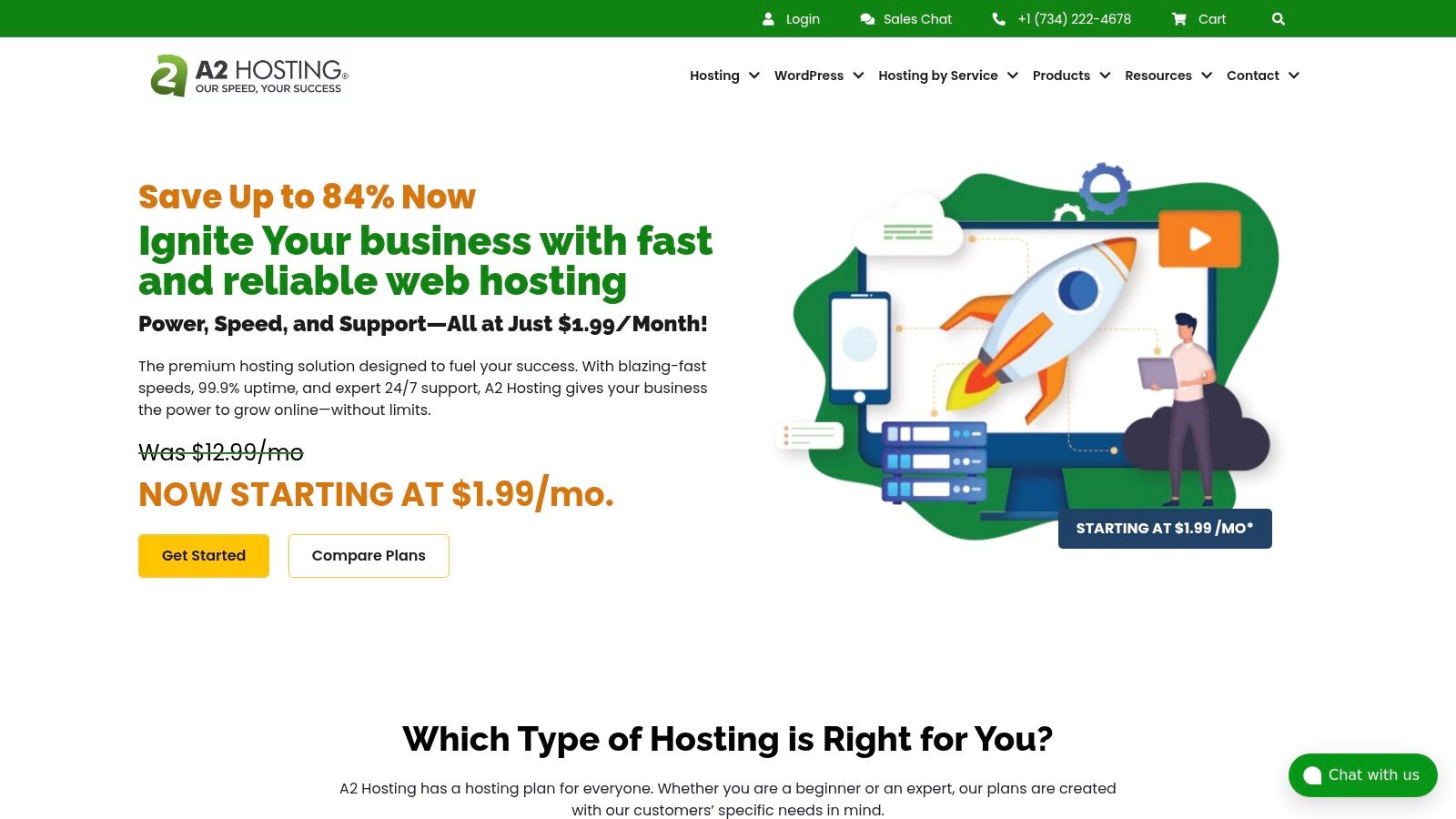
A2 Hosting is a strong contender in the hosting arena, offering a compelling blend of speed, performance, and affordability. This makes it suitable for a diverse user base, ranging from individual bloggers to large enterprise-level organizations. While the introductory price of $2.99/month for the Startup plan is attractive, the real value lies in its performance-enhancing features.
Speed & Performance
A2 Hosting prioritizes speed. Their Turbo servers, powered by LiteSpeed Web Server technology and NVMe storage, promise up to 20x faster page loads compared to standard hosting. This speed is especially critical for eCommerce businesses where page load times directly correlate with conversion rates. It's also beneficial for WordPress bloggers who want to maintain visitor engagement. The included LiteSpeed Cache for WordPress further optimizes performance for this popular CMS.
Features & Benefits
The Startup plan includes unlimited storage and bandwidth, an excellent feature for growing websites. Free SSL and a website builder are also included, making it user-friendly for beginners. Free HackScan protection adds an important layer of security for protecting sensitive data. A2 Hosting also provides free site migration, simplifying the transition from another hosting provider. For developers, the support for multiple PHP versions offers flexibility and compatibility.
Target Use Cases
- Small Business Owners: The affordable Startup plan with its unlimited resources provides a reliable and fast hosting solution.
- WordPress Bloggers: The optimized WordPress environment, including LiteSpeed cache, ensures fast loading times and a positive user experience.
- eCommerce Entrepreneurs: Fast page loads are crucial for online stores, and A2 Hosting's Turbo servers can significantly improve conversions and customer satisfaction.
- Web Developers & IT Professionals: The developer-friendly features, including multiple PHP versions, and access to advanced features on higher-tier plans cater to development needs.
- Enterprise-Level Organizations: While the Startup plan may not suffice for large enterprises, A2 Hosting offers robust plans with increased resources and support for demanding applications.
Pricing & Technical Requirements
The Startup plan starts at $2.99/month (promotional pricing). It is important to note that renewal rates are higher. Turbo servers are available on higher-tier plans. Check the A2 Hosting website for the most current pricing details and plan specifications.
Pros and Cons
Pros:
- Excellent speed and performance with Turbo servers
- Generous resource allocation (unlimited storage and bandwidth)
- Strong uptime record
- Developer-friendly environment with multiple PHP versions
- Anytime money-back guarantee
Cons:
- Higher renewal rates
- Turbo servers require higher-tier plans
- Potential long wait times for phone support
Implementation Tip
If speed is a top priority, consider a plan that includes the Turbo servers, despite the higher cost. The performance improvement can be significant for your website.
Comparison
A2 Hosting is comparable to other performance-focused hosts like SiteGround and Kinsta, but offers a more budget-friendly entry point with the Startup plan. Keep in mind the higher renewal costs when making a comparison.
Website: A2 Hosting
A2 Hosting offers a good balance between performance and cost. While the higher renewal rates are a consideration, the speed and features, particularly the Turbo servers, make it a worthwhile option for those prioritizing website performance. Carefully evaluate your specific needs and budget to determine if A2 Hosting is the right choice for your project.
7. NameCheap
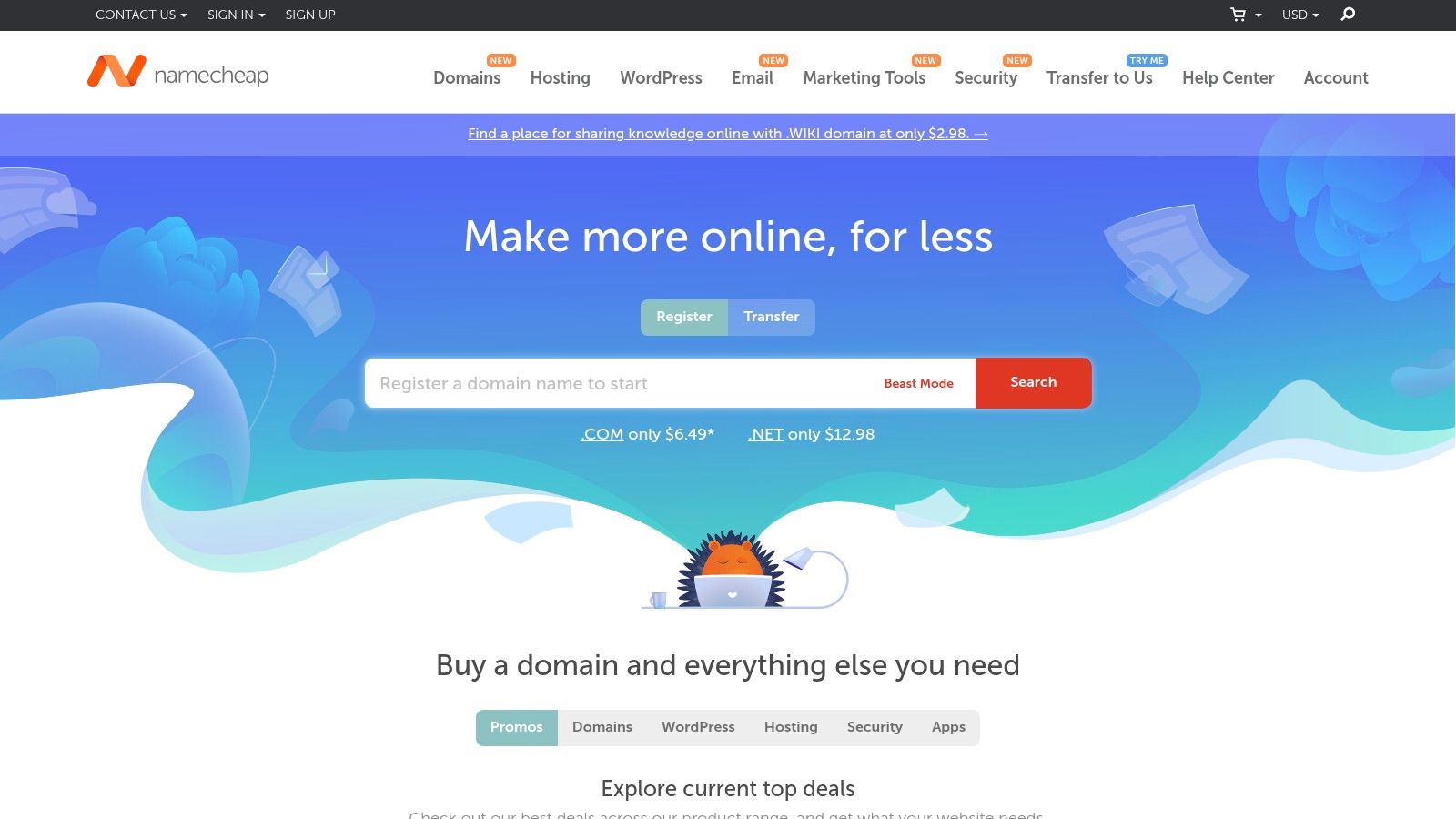
NameCheap is a budget-friendly hosting provider, making it a popular choice for cost-conscious individuals and businesses. While primarily known as a domain registrar, NameCheap also provides robust hosting solutions without sacrificing key features. This makes them a convenient one-stop shop for establishing an online presence.
Their Stellar shared hosting plan, starting at $1.44/month for the first year, offers a solid foundation for small websites. This plan includes 20GB of SSD storage, unmetered bandwidth, and the ability to host up to three websites. This is ideal for small business owners, bloggers creating a WordPress blog, or web developers testing projects.
Beyond the attractive pricing, NameCheap includes valuable features in all plans. A free domain name for the first year, a free SSL certificate for secure connections, and a free website builder are all included, further reducing initial costs. These bundled extras provide significant value compared to other budget hosting providers. Many competitors charge extra for domain privacy, SSL certificates, or website builders, which can quickly add up.
NameCheap's use of cPanel is a significant benefit, especially for users already familiar with this popular control panel. cPanel provides an intuitive interface for managing websites, databases, email accounts, and other hosting aspects. This user-friendly approach simplifies website administration.
Key Features & Benefits
- Free domain name for the first year: This saves you money upfront and simplifies the setup process.
- Free WhoisGuard privacy protection: This feature protects your personal contact information, shielding you from spam and unwanted solicitations. This is a valuable feature often absent in budget hosting plans.
- cPanel control panel: This offers a familiar and user-friendly interface for managing your hosting account.
- 30-day money-back guarantee: This allows you to try their services risk-free.
- Twice-weekly backups: This adds a layer of data security in case of accidental deletions or website issues.
- 20GB SSD storage (Stellar Plan): This provides ample space for small to medium-sized websites.
- Unmetered bandwidth (Stellar Plan): This ensures your website can handle traffic fluctuations without incurring extra charges.
Pros
- Exceptionally affordable pricing, perfect for startups and small businesses.
- No aggressive upselling, allowing you to choose only the services you need.
- Free domain privacy, a valuable feature not always offered by budget hosts.
- Good customer support, available to assist with any issues.
Cons
- Performance may not be as robust as premium hosting providers, potentially impacting website speed under heavy traffic.
- Limited storage on basic plans may require an upgrade as your website grows.
- While generally adequate, the knowledge base could be more extensive.
Website: https://www.namecheap.com/
Implementation Tip
While the Stellar plan is a great starting point, consider your future needs. If you expect significant website growth, evaluate their higher-tier plans for increased storage and performance.
NameCheap excels in its value proposition, providing a comprehensive hosting package at a remarkably low price. While perhaps not suitable for high-traffic, resource-intensive websites, it’s an excellent option for individuals and small businesses looking for an affordable and reliable hosting solution.
8. GreenGeeks

GreenGeeks offers a unique blend of affordability and environmental consciousness. For those seeking to reduce their online impact without sacrificing performance or breaking the bank, GreenGeeks presents a compelling option. Their commitment to being 300% green energy-powered by purchasing three times the energy they consume in wind energy credits truly distinguishes them.
Who is GreenGeeks best suited for? Let's take a look.
Who Is GreenGeeks For?
GreenGeeks caters to a wide variety of users, including:
- Small Business Owners: The Lite plan offers an economical starting point for small businesses looking to establish an online presence.
- WordPress Bloggers: GreenGeeks' optimized WordPress hosting and free site migration simplify blog setup and management.
- eCommerce Entrepreneurs: The higher-tier plans provide the necessary resources and performance for robust online stores.
- Web Developers & IT Professionals: Features such as LiteSpeed web server technology and SSH access provide developers with increased control and flexibility.
- Enterprise-Level Organizations: While the standard plans target smaller entities, GreenGeeks also provides customized solutions for larger enterprises upon request.
What makes GreenGeeks stand out? Let's explore their key features and benefits.
Key Features and Benefits
- Eco-Friendly Hosting: GreenGeeks' dedication to 300% renewable energy matching sets them apart for environmentally conscious users.
- LiteSpeed Web Server: This technology significantly enhances website speed and performance compared to traditional Apache servers.
- Unlimited Storage and Bandwidth: Even the entry-level plan provides unlimited storage and bandwidth, enabling scalability as your website expands.
- Free Nightly Backups: Data security is paramount, and GreenGeeks' automated backups provide essential peace of mind.
- Free Website Builder: A drag-and-drop builder simplifies website creation for those new to web development.
- Free Domain for the First Year: This helpful perk reduces initial setup expenses.
Pricing
GreenGeeks offers promotional pricing starting at $2.95/month for their Lite plan. It's important to note, however, that renewal prices are higher. For the most up-to-date information, visit their website (https://www.greengeeks.com/).
Pros and Cons
Here's a quick rundown of the advantages and disadvantages of choosing GreenGeeks.
Pros:
- Environmentally responsible hosting
- Unlimited storage and bandwidth
- Excellent performance due to LiteSpeed technology
- Responsive customer support
Cons:
- Higher renewal costs
- Entry-level plan limited to one website
- Site migration can take up to 48 hours
Implementation/Setup Tips
A few tips to consider when getting started with GreenGeeks:
- Website Transfer: Be aware that website migrations can take up to 48 hours. Plan accordingly.
- Resource Usage: While storage and bandwidth are unlimited, excessive resource usage can trigger an account review, particularly on lower-tier plans.
- Renewal Costs: Remember to factor in the higher renewal pricing when budgeting for your web hosting.
Comparison With Similar Tools
Compared to other budget-friendly hosting providers like Hostinger or A2 Hosting, GreenGeeks differentiates itself through its environmental focus. While performance and features are comparable, the eco-friendly aspect makes GreenGeeks a truly unique offering.
In conclusion, GreenGeeks offers a valuable service for those seeking affordable, high-performance hosting with a commitment to sustainability. While the renewal prices require consideration, the overall package makes GreenGeeks a strong contender for environmentally conscious individuals and businesses.
9. InMotion Hosting
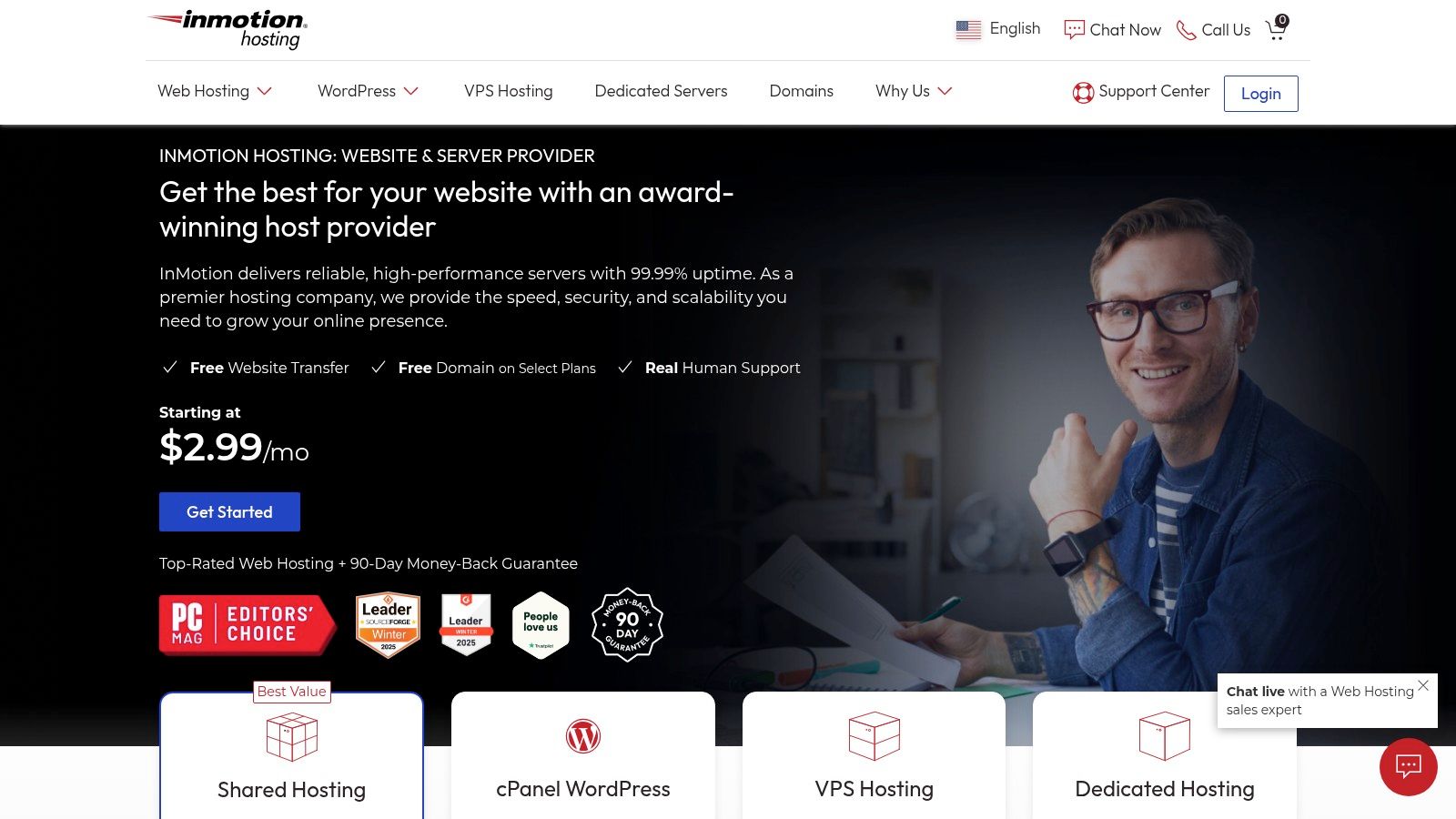
InMotion Hosting stands out as a reliable hosting provider, offering robust solutions ideal for small businesses. Their services also scale effectively for larger enterprises. With a focus on performance and top-notch customer support, InMotion Hosting is a great choice for those seeking stability and responsive assistance.
Who is InMotion Hosting best suited for? While they cater to a diverse range of users, their primary focus is small businesses:
- Small Business Owners: InMotion Hosting provides the necessary resources and tools, including eCommerce features, for launching and expanding your online presence.
- WordPress Bloggers: Their optimized WordPress hosting and the included BoldGrid website builder simplify website setup and management for bloggers of all experience levels.
- eCommerce Entrepreneurs: Robust infrastructure and comprehensive security features protect sensitive customer data, making InMotion Hosting a suitable choice for online stores.
- Web Developers & IT Professionals: InMotion Hosting offers SSH access on all plans, utilizes the industry-standard cPanel for streamlined management, and includes automated backups for enhanced control.
- Enterprise-Level Organizations: While primarily focused on small and medium-sized businesses (SMBs), their VPS and dedicated server options can meet the demands of larger enterprises.
Key Features and Benefits
- 90-Day Money-Back Guarantee: This extended guarantee allows you plenty of time to test the service and ensure it fits your specific needs.
- Free BoldGrid Website Builder: This drag-and-drop builder simplifies website creation, making it particularly user-friendly for beginners or those who prefer a visual approach.
- Free Domain and SSL: A free domain name for the first year and a free SSL certificate add significant value and improve your website's security.
- Automated Backups: Regular, automated backups provide crucial data protection and peace of mind.
- SSH Access on All Plans: This feature offers developers greater control and flexibility in managing their websites.
- cPanel: The industry-standard cPanel simplifies server management, email account creation, and other essential tasks.
Pricing and Technical Requirements
The Launch plan starts at $2.49/month (promotional price). Remember that introductory pricing often requires a longer-term commitment (e.g., 24-36 months). Regular prices are higher, so factor this into your budget.
InMotion Hosting manages the server-side technical requirements. You'll primarily need a computer and a reliable internet connection to manage your website through cPanel or other tools.
Pros and Cons
Pros:
- U.S.-Based Customer Support: InMotion Hosting provides easily accessible and generally high-quality support.
- Free Data Backups: These backups are essential for data security and disaster recovery.
- Good Speed and Reliability: InMotion Hosting generally performs well in uptime and speed tests.
- No Contract Required (on select plans): While the best pricing often involves longer commitments, some plans offer more flexibility.
Cons:
- Higher Entry Price than Some Competitors: While the promotional price is enticing, regular pricing can be higher than some budget-shared hosting providers.
- Long Promotional Terms Required for Best Pricing: A long-term contract may not be suitable for all users.
- Limited Server Locations (U.S. only): This can impact website speed for visitors outside North America.
Implementation/Setup Tips
- Choose the Right Plan: Carefully assess your resource needs (storage, bandwidth) before selecting a plan.
- Utilize the BoldGrid Builder: If you're new to website building, leverage the included BoldGrid builder.
- Explore cPanel: Familiarize yourself with the cPanel interface for effective website management.
- Contact Support: Don't hesitate to contact InMotion Hosting's support team if you have any questions or encounter any issues.
Comparison with Similar Tools
While InMotion Hosting offers a comprehensive package, alternatives like Bluehost and A2 Hosting provide comparable features and pricing. Bluehost is known for its user-friendly interface and WordPress integration, while A2 Hosting focuses on speed and developer-friendly tools. Consider your unique needs and priorities when making your decision.
Website: https://www.inmotionhosting.com/
10. HostGator
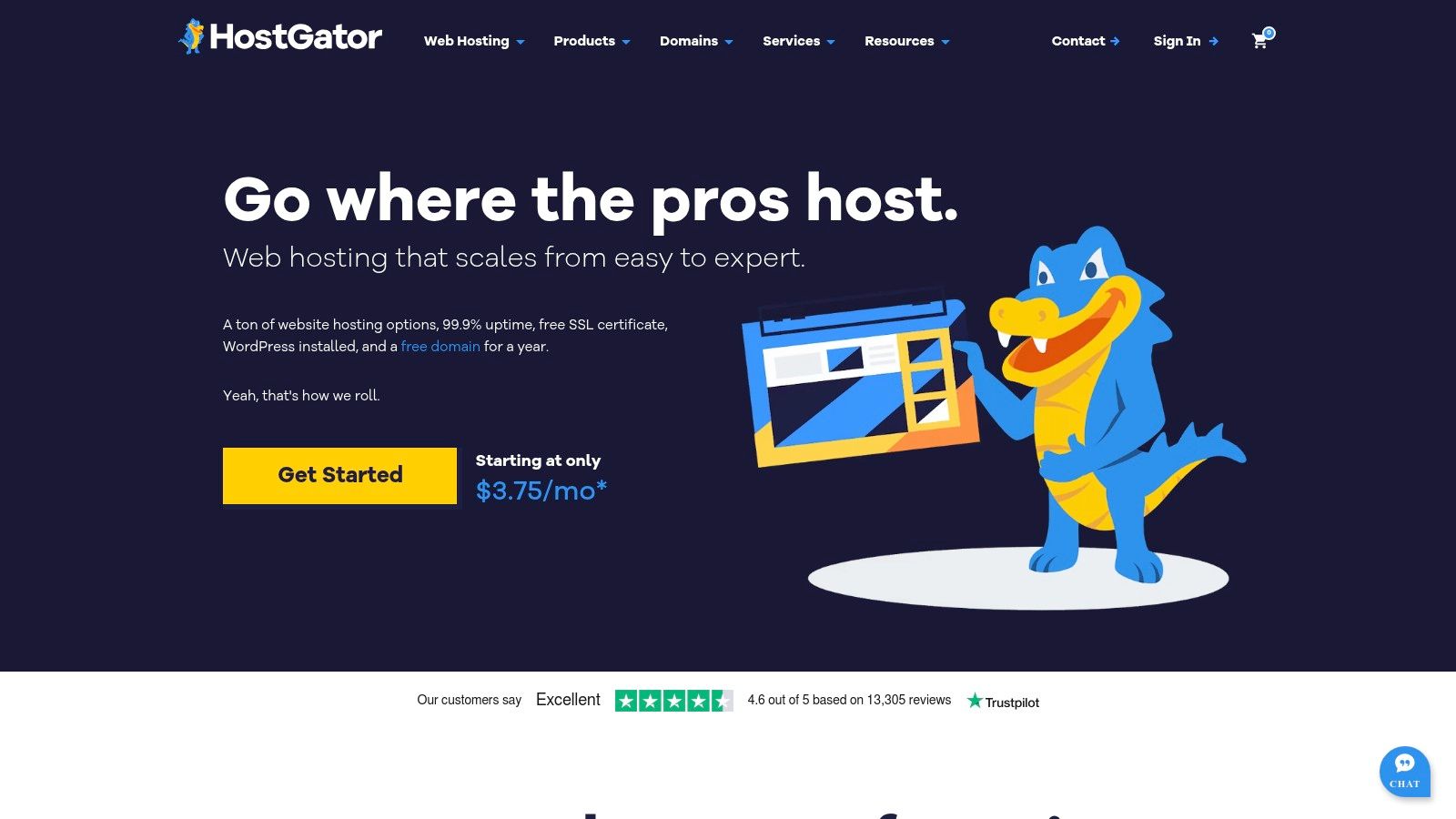
HostGator is a strong contender in the web hosting arena, balancing affordability with a solid set of features. This makes it an appealing option for a wide range of users, from individual bloggers setting up their first site to small businesses establishing an online presence. The Hatchling plan, starting at a promotional $2.75/month, offers unlimited disk space and bandwidth. It also includes a free domain for the first year, making it particularly attractive for those new to website ownership. The added bonus of a free SSL certificate and an intuitive website builder further simplifies the initial setup process.
HostGator's generous resource allocation allows for website growth and scalability. While the "unlimited" disk space and bandwidth are subject to acceptable use policies, they offer significant flexibility. This is particularly beneficial for businesses or bloggers anticipating traffic spikes or needing to store substantial media files. E-commerce ventures can also leverage this generous resource allocation, especially during their initial growth phase. For those requiring dedicated resources for more demanding projects, consider exploring VPS hosting options: Our guide on VPS Hosting.
Technically, HostGator prioritizes user-friendliness. Features like one-click WordPress installation and the cPanel control panel streamline website management. cPanel provides granular control over website settings, while the one-click WordPress installation simplifies setup for those using the popular CMS. The inclusion of a free Cloudflare CDN enhances website performance by distributing content closer to visitors, resulting in faster loading times. Free website transfers also make it easy to migrate an existing website to HostGator's servers.
Key Features and Benefits
- Unlimited disk space and bandwidth: Accommodates growing websites and large media files.
- One-click WordPress installation: Simplifies setup for WordPress users.
- Free website transfer: Facilitates easy migration from existing hosts.
- Free Cloudflare CDN: Improves website speed and performance.
- cPanel control panel: Provides comprehensive website management tools.
Pros and Cons
Pros:
- Generous resource allocation
- 99.9% uptime guarantee
- 24/7 customer support (phone, live chat, email)
- Beginner-friendly interface
Cons:
- Numerous upsells during checkout
- Significant price increase upon renewal
- Basic plan limited to one domain
Pricing and Guarantee
Pricing begins at $2.75/month (promotional price for the Hatchling plan). A 45-day money-back guarantee allows users to try the service risk-free. While renewal prices are higher than the introductory rate, the initial affordability and feature set make HostGator a viable option for budget-conscious individuals and businesses. Web developers and IT professionals will find value in the cPanel access and reliable uptime. Larger, enterprise-level organizations may require more specialized solutions. However, for smaller projects, HostGator strikes a compelling balance between price and performance.
Visit HostGator
Affordable Web Hosting: Top 10 Service Comparison
| Provider | Core Features | Quality | Value Proposition | Target Audience | Unique Selling Points |
|---|---|---|---|---|---|
| Beta Host Limited 🏆 | Pure SSD, LiteSpeed, global DC, DDoS protection | 24/7 support, 14-day MBG ★★★★ | High performance & reliability 💰 | Beginners to enterprises 👥 | Free domain, migration, military-grade security ✨ |
| Hostinger | hPanel, LiteSpeed, free domain (1st yr) | Fast speed, live chat ★★★★ | Ultra-budget promo pricing 💰 | Beginners & cost-savvy users 👥 | Weekly backups, Git integration ✨ |
| Bluehost | cPanel, one-click WP install, free SSL | Reliable uptime, easy UI ★★★★ | Affordable, WP recommended 💰 | Bloggers & small biz 👥 | Official WP endorsement, free domain ✨ |
| DreamHost | Custom panel, unlimited storage, free SSL | Strong privacy, long MBG ★★★★ | Flexible billing options 💰 | Privacy conscious users 👥 | 97-day guarantee, free privacy protection ✨ |
| SiteGround | SuperCacher, CDN integration, daily backups | Excellent support, 99.9% uptime ★★★★★ | Feature-rich, premium feel 💰 | WP users & developers 👥 | Server-level caching, optimized security ✨ |
| A2 Hosting | Turbo servers, NVMe storage, free SSL | Blazing speed & solid uptime ★★★★ | Generous resources & scalability 💰 | Developers & high-traffic sites 👥 | Turbo performance, anytime MBG guarantee ✨ |
| NameCheap | cPanel, free domain (1st yr), SSL | Simple and budget-friendly ★★★ | Extremely affordable pricing 💰 | Budget users & beginners 👥 | Free WhoisGuard, low upsell approach ✨ |
| GreenGeeks | LiteSpeed, unlimited storage, eco-powered | Solid performance, nightly backups ★★★★ | Eco-friendly hosting at competitive rates 💰 | Environmentally aware, small biz 👥 | 300% renewable energy, free site builder ✨ |
| InMotion Hosting | cPanel, BoldGrid builder, free SSL | Reliable, US-based support ★★★★ | Solid performance with longer MBG 💰 | Small businesses, US market 👥 | 90-day guarantee, free automated backups ✨ |
| HostGator | cPanel, one-click WP, free SSL | Consistent uptime, 24/7 support ★★★★ | Budget-friendly with promotional deals 💰 | Beginners & small businesses 👥 | Unlimited bandwidth, free domain bonus ✨ |
Ready to Choose Your Affordable Web Host?
Finding the right affordable web hosting is an investment in your online presence. With numerous options available, such as Beta Host Limited, Hostinger, Bluehost, DreamHost, SiteGround, A2 Hosting, Namecheap, GreenGeeks, InMotion Hosting, and HostGator, selecting a provider that meets your specific needs is essential.
When comparing these providers, consider these key factors:
Website Purpose: A simple blog requires different resources than a busy e-commerce site. Consider factors like bandwidth, storage, and the availability of specialized hosting (e.g., WordPress hosting).
Technical Expertise: Some hosts cater to beginners, while others are geared toward experienced users. Look for features that match your skill level, such as cPanel control, one-click installs, and strong customer support. More experienced users might prioritize SSH access and server-side scripting support.
Budget: While all listed options are considered "affordable," pricing varies. Factor in renewal costs and potential fees for add-ons like domain privacy or SSL certificates.
Resource Requirements: Estimate your website's traffic and storage needs. Choose a plan that provides adequate resources for current needs, with room to grow as your website expands.
Scaling Your Website and Ensuring Security
Integration and Compatibility: Ensure the hosting provider supports your website's technologies (e.g., PHP, MySQL, specific CMS platforms). Consider integrations with any necessary third-party tools.
Scalability: As your website grows, your hosting should scale accordingly. Look for providers that offer easy upgrades to more robust plans (e.g., from shared hosting to VPS).
Security: Website security is paramount. Look for essential features like SSL certificates, malware scanning, and DDoS protection.
Customer Support: Reliable customer support is invaluable, particularly when facing technical challenges. Check the availability and responsiveness of the provider's support channels.
Getting started with your chosen host is typically straightforward. Most providers offer simple onboarding processes, including account creation, domain connection, and website setup. Some even offer free website migration.
Key Takeaways For Choosing a Web Host
Prioritize Your Needs: Focus on the features and resources that align with your website's purpose and your technical capabilities.
Budget Wisely: Consider both upfront and long-term costs, including renewals and add-on fees.
Scalability Matters: Choose a provider that can accommodate future growth, allowing for seamless upgrades as needed.
Security Is Essential: Protect your website with robust security measures.
Support Is Crucial: Ensure access to reliable customer support.
Ready to launch your website? Beta Host Limited offers a range of high-performance, secure, and affordable hosting solutions tailored to various needs. From shared hosting to dedicated servers, Beta Host Limited provides the tools and support to help you succeed online. Experience the Beta Host Limited difference with advanced technology, user-friendly features, and a 14-day money-back guarantee. Visit Beta Host Limited
Article created using Outrank